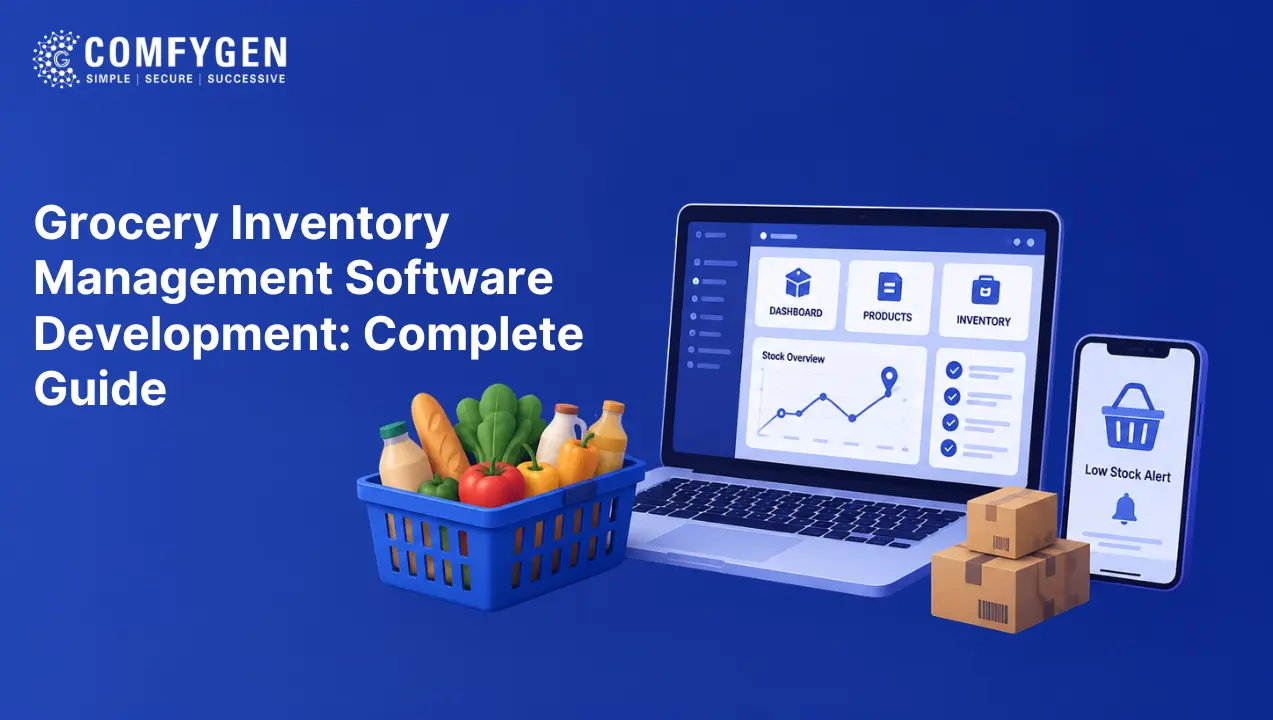





Grocery delivery app development means building a platform with four connected parts: a customer app, a vendor panel, a driver app, and an admin dashboard. A basic build takes 8 to 12 weeks and starts around $15,000. The hardest part is not the ordering flow. It is keeping stock counts accurate and handling items that are out of stock when the picker reaches the shelf.
Grocery delivery is not a new idea. Shops have delivered to homes for centuries. What changed is who can afford it. Smartphones and cheap mapping turned a service for wealthy households into something a single-store grocer can offer on a Tuesday afternoon.
That shift created a real market. The global online grocery delivery services market is projected to grow from USD 391.59 billion in 2025 to USD 1.51 trillion by 2031, a compound annual growth rate of 25.26%, according to TechSci Research. In the United States, Statista puts the grocery delivery segment at USD 364.06 billion in 2026, with user numbers expected to reach 202.9 million by 2031.
This guide covers what a grocery delivery app contains, the business models you can choose from, the technology behind it, and how a build runs from the first meeting to the app store.
How a Grocery Delivery App Works
A grocery delivery app is four products sharing one database. Each one has a different user and a different job.
| Panel | Who uses it | What it does |
| Customer app | Shoppers | Browse, search, add to cart, book a slot, pay, track the order |
| Vendor panel | Store staff | Manage catalog and stock, accept orders, update status |
| Driver app | Delivery riders | Receive assignments, navigate, mark delivered |
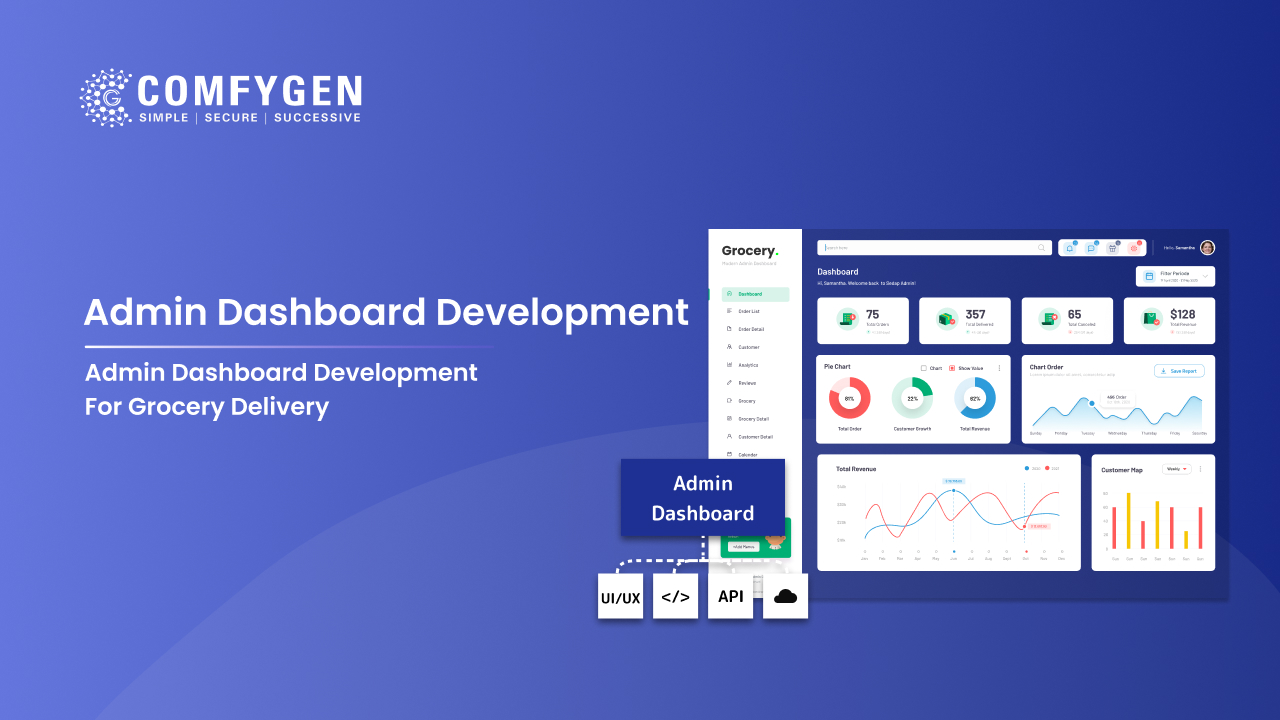
| Admin dashboard | You | Manage users and vendors, set commissions, watch analytics, control zones |
An order moves through all four in sequence.
A shopper opens the app, sets a location, and browses by category or search. Prices, stock, and delivery slots show in real time. They fill a cart, pick a slot, and pay. The order lands in the vendor panel of the nearest store with stock. A picker walks the aisles and marks each item collected. Anything missing triggers a substitution prompt. Once the bag is packed, the system assigns a driver based on position and current load. The driver navigates, delivers, and captures proof. The admin dashboard records every step.
That sequence sounds simple. The difficulty sits in the details, which is why grocery builds run longer than most people expect.
Why Grocery Apps Are Harder to Build Than Food Delivery Apps
Most guides skip this, and it explains a lot about cost and timeline.
A food delivery app routes an order to a restaurant that owns its inventory and cooks to order. If a dish runs out, the restaurant marks it off the menu. A grocery app has to know whether item 4,312 is physically on the shelf right now, and what to do when it is not.
That single difference creates three problems food delivery never faces.
Stock Accuracy
Grocery catalogs run past 10,000 items, and counts change with every in-store sale, not just app orders. A count that is ten minutes old is already wrong on fast-moving products.
Substitution
When the picker reaches an empty shelf, the app has to offer a replacement, get customer approval, and adjust the payment, all while the picker stands there waiting.
Weight-Based Pricing
Loose produce and meat get priced after weighing, so the final total differs from the checkout total. The payment flow has to authorise one amount and capture another.
Any team quoting a grocery build without mentioning these three has not built one before.
Grocery Delivery Business Models
Pick the model before picking features. The model decides the architecture, and changing it later means rebuilding.
Single-Store Model
One shop, one app. You own the stock, the staff, and the delivery. Margins stay highest because nobody takes a cut, and control is complete.
This suits independent grocers and small chains testing online demand. Most successful local operators start here.
Multi-Vendor Marketplace
Several stores sell through one app. Vendors manage their own catalog and stock. You set commission rules and handle payouts.
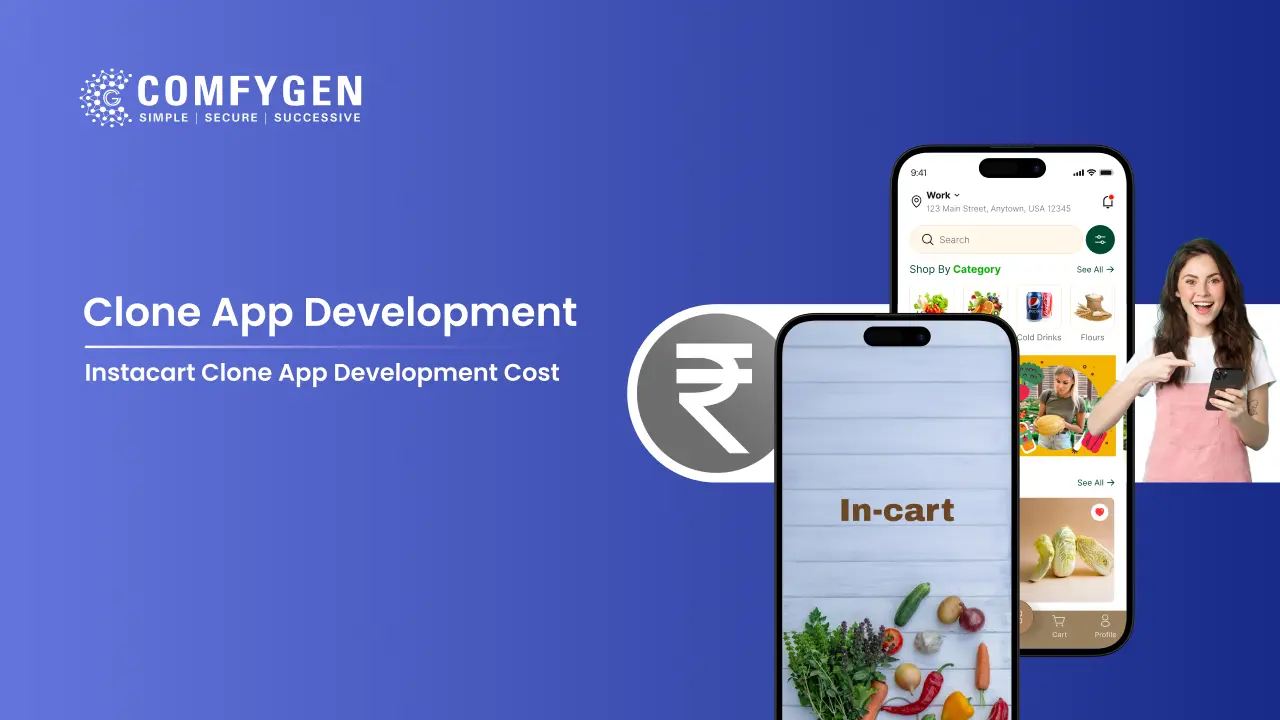
This is the Instacart and BigBasket shape. Revenue comes from commission rather than product margin. The Instacart clone app development cost sits higher than a single-store build, because a marketplace carries a commission engine and vendor onboarding that one shop never needs.
Hyperlocal Model
Stores inside a small radius, usually three to five kilometres, serving customers nearby. Delivery lands within the hour. Store discovery, stock display, and rider allocation all run off location rather than a central warehouse.
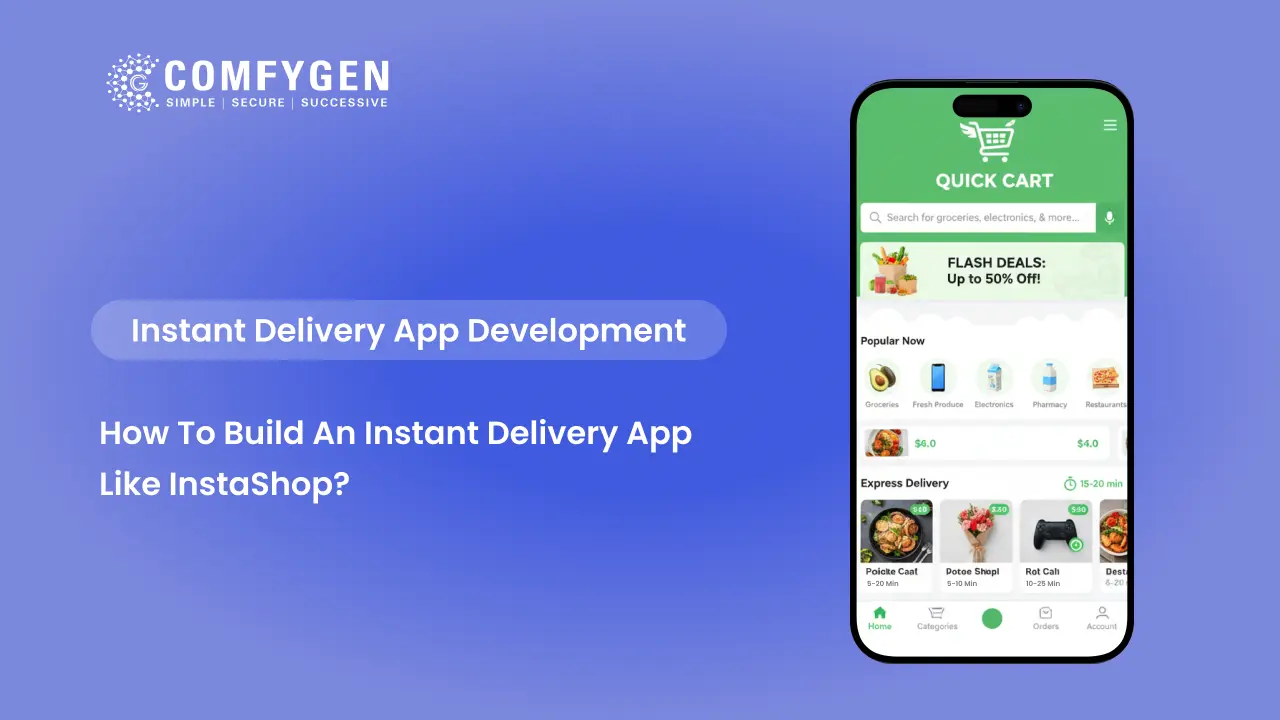
An instant delivery app like InstaShop works this way in dense cities, where several small stores compete inside the same postcode.
Scheduled Delivery Model
Customers book a slot days ahead and order a full weekly shop. Baskets run large, delivery windows run wide, and route planning matters more than speed.
A grocery delivery app like Peapod runs on this pattern, built around booked slots rather than instant fulfilment.
Quick Commerce and Dark Stores
Delivery in 10 to 30 minutes from a small warehouse holding a narrow, fast-moving range. Catalogs stay around 1,500 to 3,000 items rather than 10,000.
This model needs warehouse leases and stock capital that the others do not. The cost to develop an app like Zepto reflects that difference, since dark store software carries dispatch logic a standard grocery app never needs. The build belongs to quick commerce app development rather than to scheduled grocery delivery.
Click and Collect
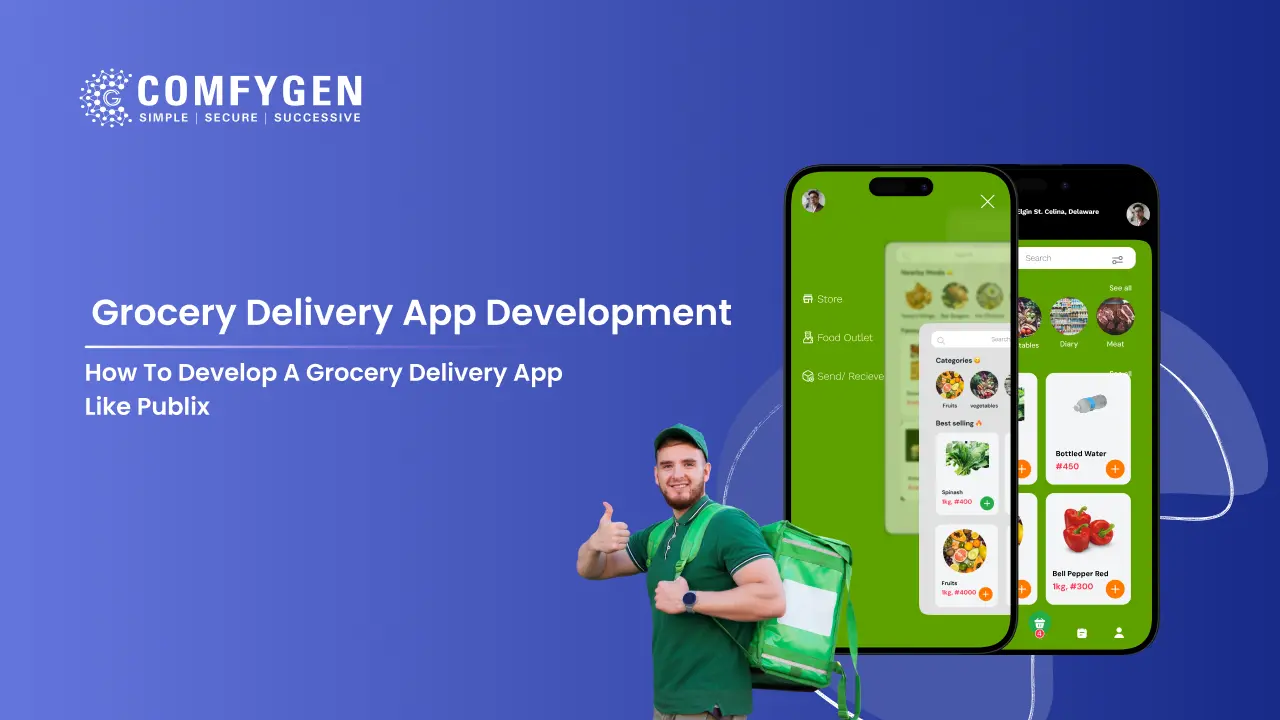
Customers order online and pick up in store. No delivery fleet, no last-mile cost, and the shopper still walks past your shelves. A grocery delivery app like Publix combines both, with pickup sitting alongside home delivery in the same app.
Core Features by Panel
Feature scope drives both cost and timeline, so decide early what ships at launch and what waits.
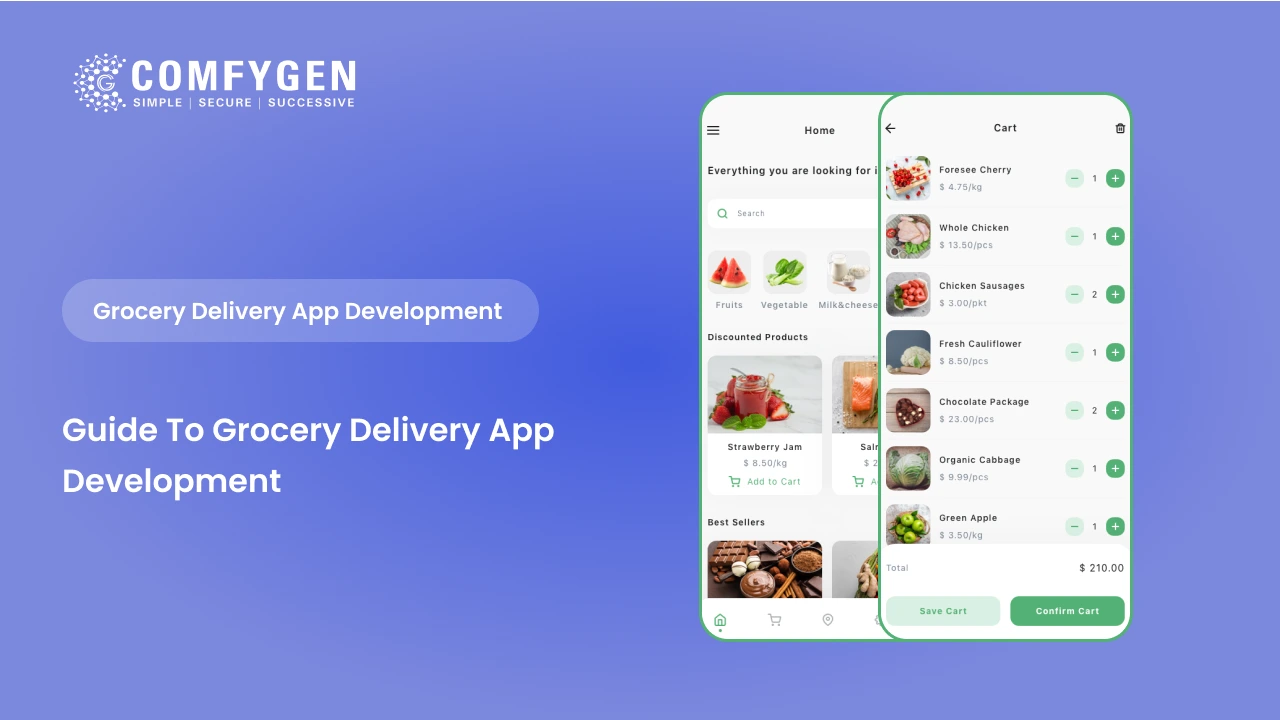
Customer App
- Registration and login, including social sign-in
- Product search with category and brand filters
- Live stock display, so nobody carts something that ran out an hour ago
- Cart and checkout with multiple payment options
- Delivery slot booking
- Substitution preferences set per item or per order
- Live order tracking with driver location
- Order history and one-tap reorder
- Ratings and support access
Vendor Panel
- Catalog upload and editing, usually in bulk
- Stock levels with low-stock alerts
- Order acceptance and status updates
- Picker workflow with substitution prompts
- Sales reports by product and category
Driver App
- Assignment notifications
- Route and turn-by-turn navigation
- Order status updates at each stage
- Proof of delivery, photo or signature
- Earnings view
Admin Dashboard
- Customer, vendor, and driver management
- Commission and payout rules
- Delivery zone and slot capacity setup
- Order monitoring across all stores
- Analytics and reporting
The grocery delivery app features that matter most differ by panel, and the ones customers notice are rarely the ones that take the longest to build. An admin dashboard for grocery delivery carries commission rules, zone setup, and slot capacity, which is more work than most first builds plan for.
What Does a Grocery Delivery App Cost?
A single-store MVP runs $15,000 to $30,000. A multi-vendor marketplace with a driver app and live tracking runs $35,000 to $70,000. Enterprise platforms with dark store logistics, AI forecasting, and POS integration start at $70,000. Timelines run 8 to 32 weeks depending on scope.
| Build type | Cost | Timeline |
| Single-store MVP | $15,000 to $30,000 | 8 to 12 weeks |
| Multi-vendor marketplace | $35,000 to $70,000 | 14 to 20 weeks |
| Enterprise platform | $70,000 to $120,000+ | 20 to 32 weeks |
| White-label launch | From $8,000 | 3 to 6 weeks |
Cost moves with your panel count, your platform choice, and whether you need POS integration. Native iOS and Android builds run 30 to 40% higher than one cross-platform build, because you are paying for two codebases.
Which Tech Stack to Use in Grocery App Solution
| Layer | Common choices | Why |
| Mobile | Flutter, React Native | One codebase for iOS and Android cuts build cost |
| Frontend web | React, Next.js | Fast catalog rendering and good SEO for the web store |
| Backend | Node.js, Django | Handles concurrent orders well |
| Database | PostgreSQL, MongoDB | Product catalogs and order records |
| Cache | Redis | Holds stock counts for fast-moving items |
| Maps | Google Maps, Mapbox | Tracking, geofencing, address validation |
| Payments | Stripe, Razorpay, PayPal, PayTabs | Choose by the markets you serve |
| Notifications | Firebase Cloud Messaging | Order status and substitution approvals |
| Hosting | AWS, Google Cloud | Traffic spikes at evenings and weekends |
The cache layer matters more in grocery than in most app categories. Stock counts change constantly and get read on every product view, so hitting the database each time will not hold up at peak.
How to Build a Grocery Delivery App: Step-by-Step
Step 1: Planning, 2 to 4 weeks
Define the model, the market, and the launch scope. Map which local competitors already serve your postcodes and which categories they handle badly. Fresh meat, regional brands, and bulk staples are common gaps at national platforms.
This phase ends with a feature list, user flows, a technical architecture, and a timeline.
Step 2: Design, 4 to 6 weeks
Wireframes, then interactive prototypes, then final screens for all four panels. Grocery design carries more weight than most categories, because baskets hold 20 to 40 items and a clumsy cart loses the order.
Step 3: Development, 8 to 20 weeks
Backend and frontend usually run in parallel. Catalog and stock come first, then cart and checkout, then slot booking, then driver dispatch, then the admin layer. Integrations happen alongside: payments, maps, notifications, and POS if you need it.
Step 4: Testing, 4 to 6 weeks
Functional testing, then load testing at three times your expected peak, then a pilot with real orders in one delivery zone.
Load testing is the step teams skip and regret. Grocery traffic is not evenly spread. Evenings and weekends carry most of it, and a platform sized for the average falls over at the peak. That failure is one of eight grocery delivery app development challenges that only surface once real orders start flowing.
Step 5: Launch and After
App store submission, monitoring, and the first round of fixes. Then iteration based on what the numbers show. Good data analytics in grocery delivery apps turns order history into demand forecasts and restock plans, which is where the platform starts paying for itself.
Grocery App Development for Small and Mid-Size Retailers
A three-store grocer and a funded startup need the same four panels and the same substitution logic. What changes is the budget, the launch sequence, and how much you build before you have proof anyone wants it.
Start with your niche, not your feature list: A local grocer competing with a national chain on catalog size will lose. Competing on delivery speed inside a five kilometre radius, on fresh produce quality, or on serving one specific community is winnable. Decide what you are better at before deciding what to build.
Read the local competition first: Look at which platforms already deliver in your postcodes, what they charge, and which categories they handle badly.
Budget past the development quote: The build is one line in a bigger number. Plan for app store fees, payment gateway charges, maps API usage that grows with order volume, delivery staff or courier costs, and customer acquisition, which often exceeds the build cost in year one.
Launch single-store, expand after: Most successful small grocers start with one shop, one delivery zone, and a small catalog. The architecture should support multi-store from day one, but the operation does not need to. Adding stores later is a configuration change if the platform was planned properly.
Inventory Is the Part That Breaks
Stock management causes more failed grocery launches than any other single thing.
The app needs to know what is on the shelf, not what the system thinks is on the shelf. Those two numbers drift apart constantly, because in-store customers buy things too. A count refreshed overnight will be wrong by mid-morning on bread, milk, and bananas.
Teams that manage inventory in grocery delivery apps well do three things. They sync with the POS instead of treating the app as the source of truth. They cache fast-moving items with a short expiry. And they flag low-stock products in the customer app before anyone adds them to a cart.
How Grocery Delivery Apps Make Money
Most platforms run three or four of these at once.
- Delivery fees: Flat or distance-based, often waived above a basket threshold
- Vendor commission: Typically 10 to 25% per order on marketplace models
- Subscriptions: A monthly plan for free or priority delivery, which also lifts order frequency
- Advertising and placement: Brands pay for category position and sponsored listings
- Surge pricing: Higher delivery fees at peak hours
Subscriptions do more for retention in grocery than in almost any other category, because weekly shops repeat. A customer who pays for free delivery orders more often to justify it.
What to Decide Before You Start
Three questions worth answering before you brief anyone.
Which model? Single-store, marketplace, hyperlocal, quick commerce, or click and collect. This decides the architecture.
Which market first? One city, one set of postcodes, one delivery window. Expanding is easier than retreating.
What is your out-of-stock policy? Substitution rules, refund rules, and who decides. Getting this clear before development starts saves a round of rework later.
The best grocery delivery apps have already trained customers on certain patterns, so matching a familiar flow costs you nothing in originality and saves real money in user education.
Building With Comfygen
Comfygen has delivered 550+ projects for 400+ clients across 30+ countries since 2019, working as a grocery delivery app development company for supermarkets, chains, and startups launching their first platform.
Our grocery work covers custom builds, multi-vendor marketplaces, white-label launches, and clone apps modelled on Instacart, Blinkit, Zepto, and BigBasket. Every project ships with the source code in your name, a signed NDA from the first call, and payment handling built through PCI DSS certified gateways.
Comfygen Technologies holds ISO 9001:2015, ISO/IEC 20000-1:2018, and ISO 27001 certification, covering quality management, IT service management, and information security.
Frequently Asked Questions
How long does it take to build a grocery delivery app?
What is the difference between a grocery delivery app and a quick commerce app?
A grocery delivery app sends a picker to an existing store, with delivery in one to four hours. A quick commerce app fulfils from your own dark store and delivers in 10 to 30 minutes. Quick commerce needs warehouse space and stock capital. Grocery delivery does not.
Do I need all four panels at launch?
No. A single-store launch can run with a customer app and an admin panel, using store staff for picking and a courier partner for delivery. Add the vendor panel when you onboard a second store, and the driver app when you bring delivery in-house.
Can the app work with my existing POS?
Yes. POS integration keeps stock counts and prices matched between the app and the till. Integration is priced per system rather than per project, because each POS has its own API.
Do I own the source code?
Yes. On custom and clone projects you own the full source code and all intellectual property once the final payment clears. White-label projects run on a licence, with a code buyout available.
How many items can the catalog hold?

Mr. Saddam Husen, (CTO)
Mr. Saddam Husen, CTO at Comfygen, is a renowned Blockchain expert and IT consultant with extensive experience in blockchain development, crypto wallets, DeFi, ICOs, and smart contracts. Passionate about digital transformation, he helps businesses harness blockchain technology’s potential, driving innovation and enhancing IT infrastructure for global success.